
Product 01 of 06 The NoteHarbor line

Available

NoteHarbor

Loan and note servicing

Loan and note servicing software for private lenders and mortgage note investors. Track loans, payments, escrow, payoffs and borrower communication in one place instead of across spreadsheets and email threads.

NoteHarbor Servicing

Loan record

Loan
LN-1042
Type
Fixed, amortizing
Term
60 months
Status
Current

Payment timeline

  1. Payment received Cycle 14
  2. Escrow disbursed Cycle 14
  3. Payment received Cycle 15
  4. Payoff quote prepared Cycle 15
Illustrative product view.

Product facts

Status
Available
Built for
Private lenders, mortgage note investors and servicing teams
Platform
Web
Category
Lending and servicing
Product line
The NoteHarbor line

How it works

How a loan moves through NoteHarbor

One record carries the loan from the day it is boarded to the day it pays off. Every step below adds to that same record, so the terms, the payments, the escrow and the correspondence stay together rather than spread across separate files.

  1. Step 01

    Board the loan

    Terms, parties and dates are entered once. The record they create is what everything after this refers back to.

  2. Step 02

    Record payments

    Payments are applied against that record rather than logged beside it, so the balance and the history it came from sit in the same place.

  3. Step 03

    Keep escrow attached

    Escrow activity stays on the loan it belongs to instead of in a separate ledger, which is less to reconcile by hand later.

  4. Step 04

    Quote the payoff

    A payoff figure is worked from the same payment history the borrower has been paying into, not rebuilt from scratch.

  5. Step 05

    Answer the borrower

    Correspondence sits on the loan, so whoever opens the file next can see what was already said and already promised.

The shape of it

The servicing record, and everything that hangs off it

One loan record sits at the centre. Payments, escrow, payoffs and borrower correspondence are organised around it rather than around each other, so a payoff quote and the payment history behind it are read from the same file.

The record Loan record Terms, parties, dates
  • Payments Applied to the record
  • Escrow Held on the loan
  • Payoffs Read from the history
  • Correspondence Filed on the loan

Everything is organised around the record, so a payoff quote and the payment history behind it are read from the same file.

Diagram of how the record is organised. Not a screenshot, and no account data.

What it does

Capabilities, and why each one earns its place.

  • 01

    Loan and note records

    Each loan carries its terms, parties and history in one record rather than across separate files.

    Why it matters When there is one record, there is one answer to the question of what the loan actually is.

  • 02

    Payments and escrow

    Record payments, apply them consistently and keep escrow activity attached to the loan it belongs to.

    Why it matters Applying payments the same way every time is what makes a balance defensible months later.

  • 03

    Payoffs

    Work payoff figures from the same record that holds the payment history.

    Why it matters A payoff that disagrees with the payment history is the fastest way to lose a borrower.

  • 04

    Borrower communication

    Keep the conversation with the borrower next to the servicing record instead of in a separate inbox.

    Why it matters The next person to touch the file can see what was already agreed without asking around.

Where it fits

The jobs this was built to carry.

  1. 01

    Make the book agree with itself

    A private lender carrying a book of loans who needs payments, balances and payoff figures to agree with each other.

  2. 02

    Survive a transfer of servicing

    A note investor buying seasoned paper who needs servicing history and borrower records to survive the transfer intact.

  3. 03

    Outgrow the spreadsheet without buying enterprise software

    A small servicing desk that has outgrown a spreadsheet but does not want the weight of enterprise servicing software.

What happens next

NoteHarbor is available today.

The product itself, along with pricing and signup, lives on usenoteharbor.com. This page is the studio describing what it built and why.

Continue through the portfolio

Closest work in the portfolio

One servicing product, plus the calculators and the desktop application built around it. All three are about the same subject: the loan and the paper behind it.

  • NoteHarbor Calculator
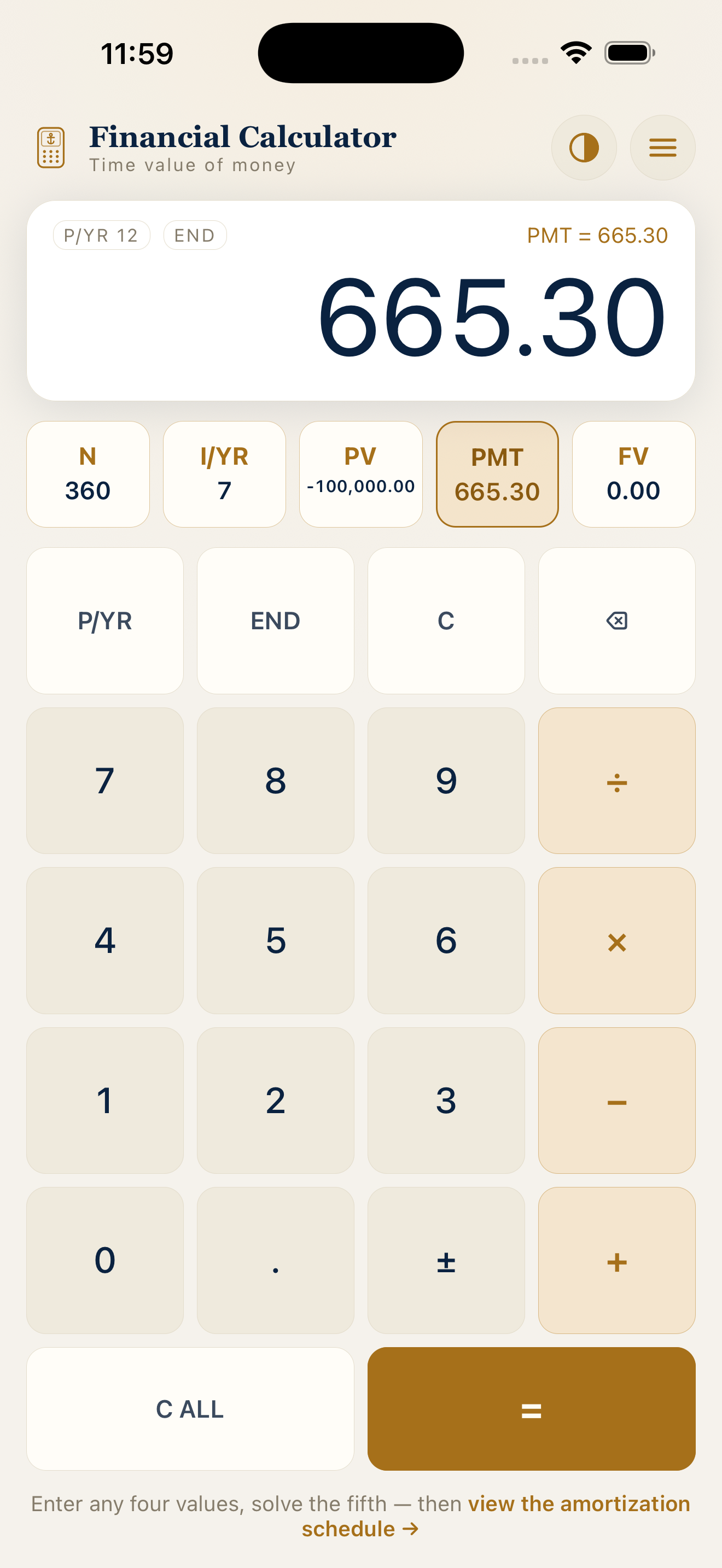
    NoteHarbor Calculator iOS home screen listing the available calculators. Calculators and tools

    NoteHarbor Calculator

    Available

    Loan and note math

    Loan, note, amortization and payoff calculators for the arithmetic that decides whether a deal works. Available on the web and as an iOS app for running numbers away from a desk.

    • Loan and note calculators
    • Amortization schedules
    • Payoff math
    View product
  • NoteHarbor Desktop
    NoteHarbor Desktop application icon. Desktop

    NoteHarbor Desktop

    In development

    NoteHarbor on the desktop

    Desktop access to NoteHarbor for macOS and Windows, for servicing work that lives in a dedicated window rather than one browser tab among thirty.

    • A dedicated window
    • macOS and Windows
    • The same NoteHarbor records
    View product
  • Deal Harbor
    Illustration of a deal pipeline board with stacked stage columns. CRM and pipeline

    Deal Harbor

    Available

    CRM for deal-driven teams

    A CRM built for real estate investors and deal-driven teams. Deal Harbor organizes contacts, pipelines, documents, e-signature and follow-ups around the deal rather than around a generic sales funnel.

    • Contacts with context
    • Pipelines that match the work
    • Documents and e-signature
    View product
See the full portfolio